
Your thumbnail decides if people click. Everyone knows that.
But which thumbnail? The red one or the blue one? Your face or the product? Big text or no text?
Until recently, you had to guess. Now YouTube will test them for you and keep the winner. Here's how to A/B test YouTube thumbnails in 2026, step by step.
What Is Thumbnail A/B Testing?
A/B testing means showing different versions to different viewers and seeing which one works better.
On YouTube, you upload up to 3 thumbnails, up to 3 titles, or up to 3 title and thumbnail pairs for one video. YouTube shows each version to a share of viewers. When the test ends, the version with the most watch time is shown to everyone.
No spreadsheets. No guessing. Just real data from your real audience.
Why Thumbnail Testing Matters So Much
Big creators have tested thumbnails for years. MrBeast has said his team makes 20, 30 or even 40 thumbnail versions for a single video.
Other top creators say the same thing in different words. Marques Brownlee calls the thumbnail and title the packaging of your video. Ryan Trahan has said the exact same video can get a few thousand views or a million, and the only thing that changes is the title and thumbnail.
Now small channels can do what the big ones do, right inside YouTube Studio, for free.
Who Can Use YouTube A/B Testing?
The feature is free, but there are a few rules. According to YouTube's own help page, these are the main ones.
- Desktop only. You run tests in YouTube Studio on a computer, not in the mobile app.
- Advanced features on. Your channel needs advanced features turned on, which usually means a verified, good-standing channel.
- Long videos only. Shorts, scheduled live streams and Premieres can't be tested. Live archives can, and Premieres can once they turn into normal videos.
- Some videos are excluded. Videos made for kids, mature videos and private videos can't be tested.
How to Run a Thumbnail A/B Test in YouTube Studio
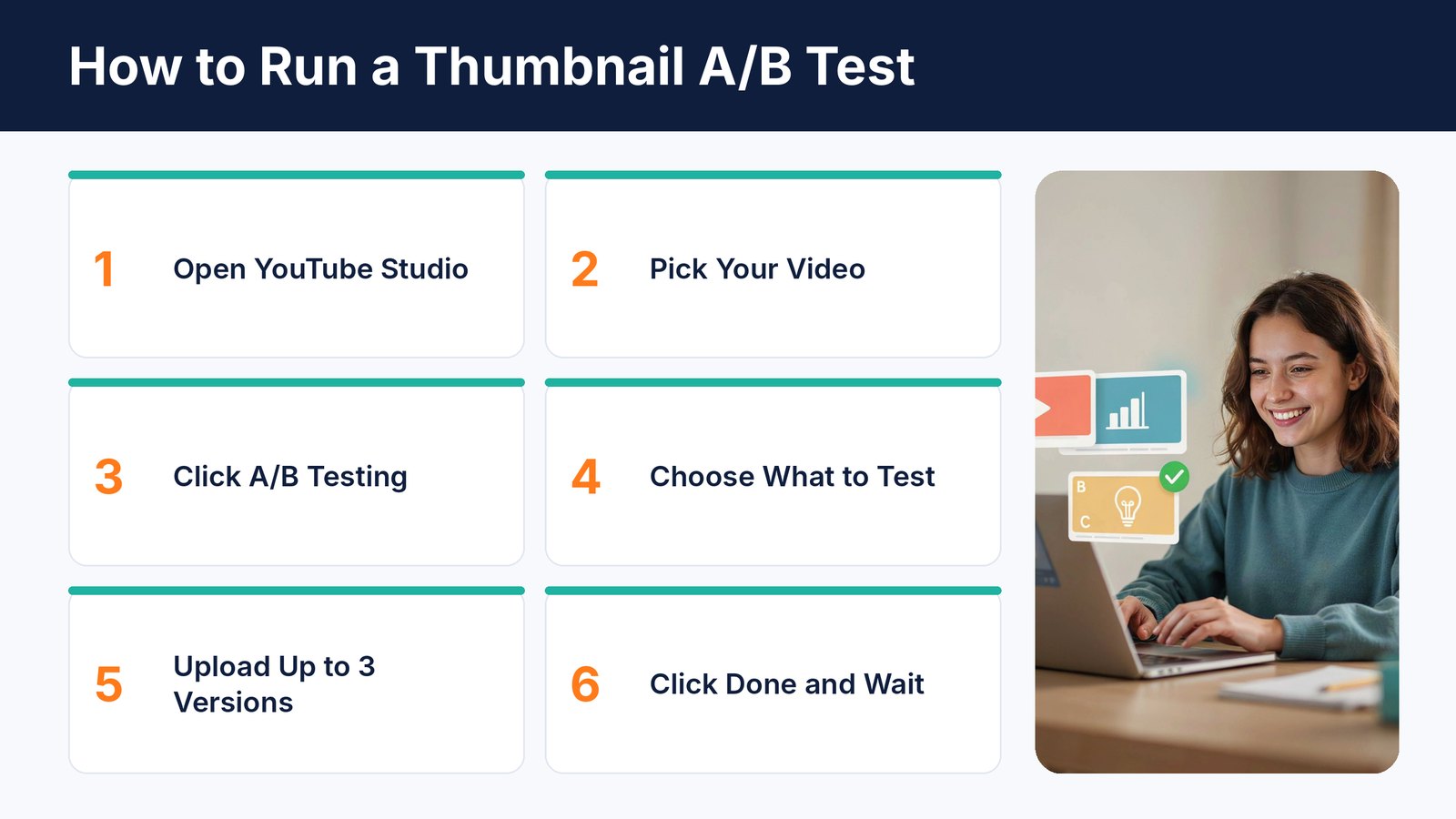
1. Open YouTube Studio
Sign in to YouTube Studio on your computer.
2. Pick Your Video
For a new video, click Create and upload it. For an existing video, go to Content and click the video you want to test.
3. Click A/B Testing
You'll find it in the Title box or under Thumbnail.
4. Choose What to Test
Pick Title only, Thumbnail only, or Title and thumbnail.
5. Upload Up to 3 Versions
Add your thumbnails, titles or both. Use full HD images, at least 1280 by 720 pixels. If any thumbnail is smaller, YouTube shrinks all of them to a lower quality for the test.
6. Click Done and Wait
Most tests finish within two weeks. Some end in a few days.
One important warning. If you change the title or thumbnail while a test is running, the test stops and you have to start again. So set it and leave it.
How YouTube Picks the Winner
Here's the part many creators miss. YouTube doesn't pick the thumbnail with the most clicks. It picks the one with the most watch time.
That's smart. A clickbait thumbnail might get lots of clicks, but if people leave after ten seconds, it loses. The winner is the thumbnail that brings in viewers who actually stay.
You can check progress any time. Open the video in YouTube Studio, go to Analytics, then the Reach tab, and look for the A/B test section.
What if there's no clear winner? Then YouTube keeps the first version you uploaded. That usually means your versions were too similar.
How to Read Your Results
When a test ends, YouTube shows each version's share of watch time. Don't just look at the winner. Look at the gap.
- A big gap means you found something real. Use that idea again on future videos.
- A small gap means your audience didn't care much either way. Try a bolder change next time.
- No winner usually means the versions were too alike, or the video didn't get enough views to decide.
Keep a simple note of every test, with the video, the three ideas and the result. After ten tests you'll have your own playbook, built from your own audience instead of someone else's advice.
What Should You Test?
YouTube's own tip is to test versions that are really different. Changing the shade of blue won't teach you much. Changing the whole idea will.
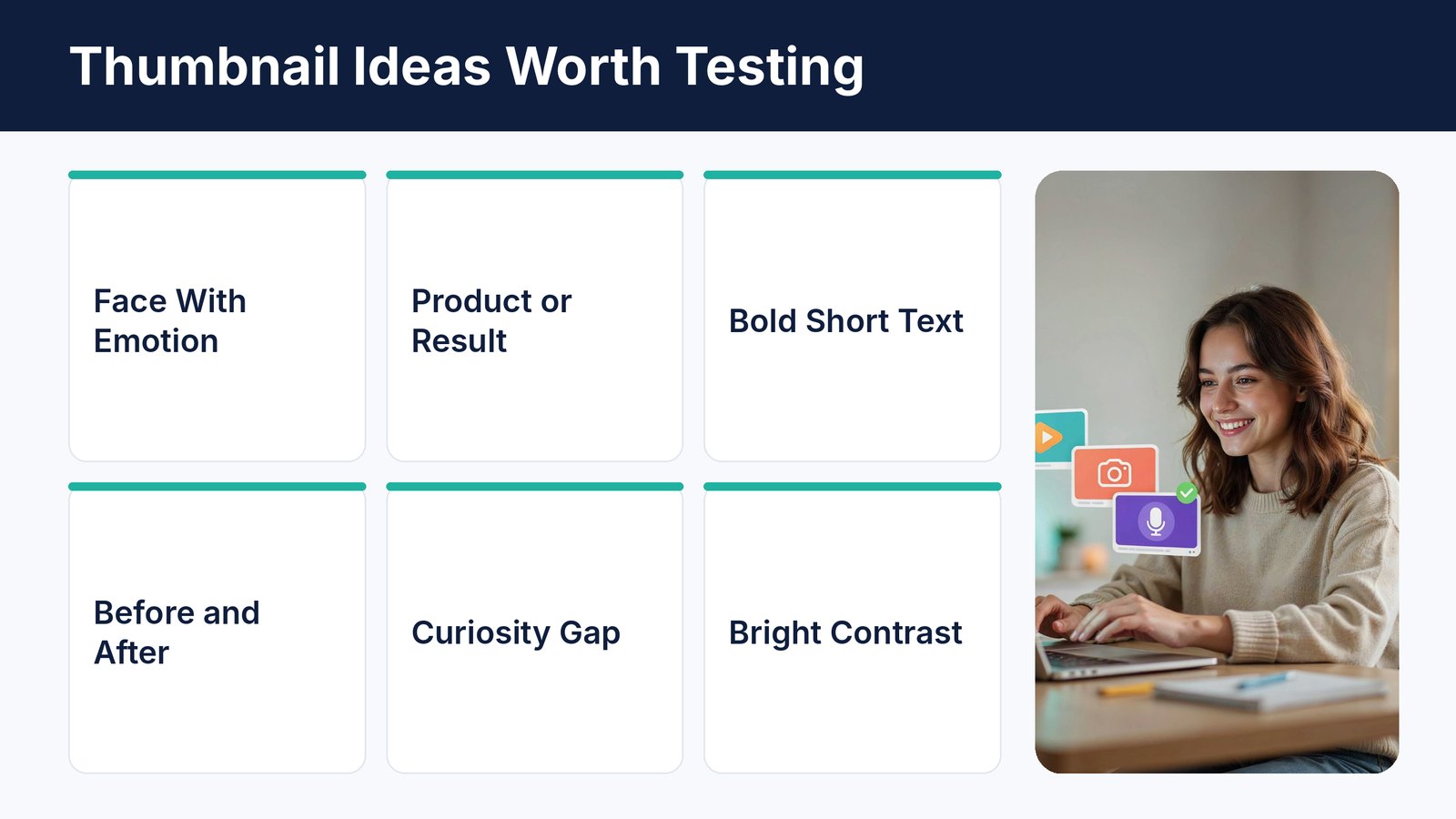
- Face with emotion. A close-up face showing surprise, joy or worry.
- The product or result. Show the thing, or the end result, instead of a person.
- Bold short text. Two to four big words that add to the title, not repeat it.
- Before and after. A clear change that makes people curious about how.
- A curiosity gap. Hide part of the answer so viewers want to click.
- Bright contrast. Colours that stand out against YouTube's white and dark modes.
A good test might pit a face thumbnail against a product thumbnail against a text-only design. Three ideas, three very different looks.
Test Ideas for Different Niches
Not sure where to start? Here are a few matchups that often teach creators a lot.
| Niche | Version A | Version B | Version C |
|---|---|---|---|
| Tech reviews | Your face reacting | The product alone, big and sharp | Two products side by side |
| Cooking | The finished dish close up | You holding the dish | Before and after ingredients |
| Fitness | Before and after body change | You mid-workout | Bold text with one big number |
| Business and marketing | A surprising chart | Your face with a short claim | Screenshot of a result |
| Gaming | Epic in-game moment | Your face with a big reaction | Character with bold text |
| Travel | Wide scenic shot | You in the location | A surprising detail close up |
Run one of these on a few videos and you'll quickly learn whether your audience clicks on people, things or words.
Thumbnail or Title, Which Should You Test First?
Start with thumbnails. People see the picture before they read the words, so it usually has the bigger effect.
Once you have a winning thumbnail, run a second test on titles. Or test title and thumbnail pairs together, since they work as a team. A great thumbnail with a title that says the same thing wastes space.
Tips for Better A/B Tests
- Test older videos first. YouTube suggests this, since some versions will do worse while the test runs.
- Pick videos with steady views. Tests finish faster when a video gets regular impressions.
- Test one big idea at a time. If every version changes five things, you won't know what made the difference.
- Keep the promise honest. The thumbnail should match the video, or watch time drops and you lose anyway.
- Write down what wins. Over time you'll see patterns your audience loves.
- Test again. A winner today can tire out in a few months. Fresh tests keep old videos alive.
Thumbnail Basics Before You Test
A test can only pick the best of what you give it. So make sure every version gets the basics right.
- Use the right size. 1280 by 720 pixels in a 16 by 9 shape is the standard for long videos.
- Check it small. Most people see your thumbnail on a phone, so zoom out and make sure it still reads.
- One main subject. A busy thumbnail is hard to understand in a split second.
- Few words, big letters. If you need a sentence, it belongs in the title.
- Avoid the corner. YouTube puts the video length in the bottom right, so keep important things away from there.
What If You Don't Have the Feature Yet?
Some channels still don't see A/B testing in YouTube Studio. You can still test, just more slowly.
Change the thumbnail on an older video, wait two weeks, and compare the click-through rate and average view duration in YouTube Analytics. Then try the next version. It's not as clean as a real split test, because other things change over time, but it still points you in the right direction.
Many big creators did exactly this for years before YouTube built its own tool.
Common Mistakes to Avoid
- Uploading three almost identical thumbnails
- Editing the title halfway through the test
- Using small, blurry images
- Judging by clicks instead of watch time
- Giving up after one test
The Hard Part Is Making 3 Great Thumbnails
YouTube made testing easy. Making the thumbnails is still the bottleneck.
Most creators struggle to make one good thumbnail per video. Making three very different ones for every test takes time, design skills or a designer on the payroll.
That's the problem we built Thumble for.
How Thumble Makes Thumbnail Testing Easy
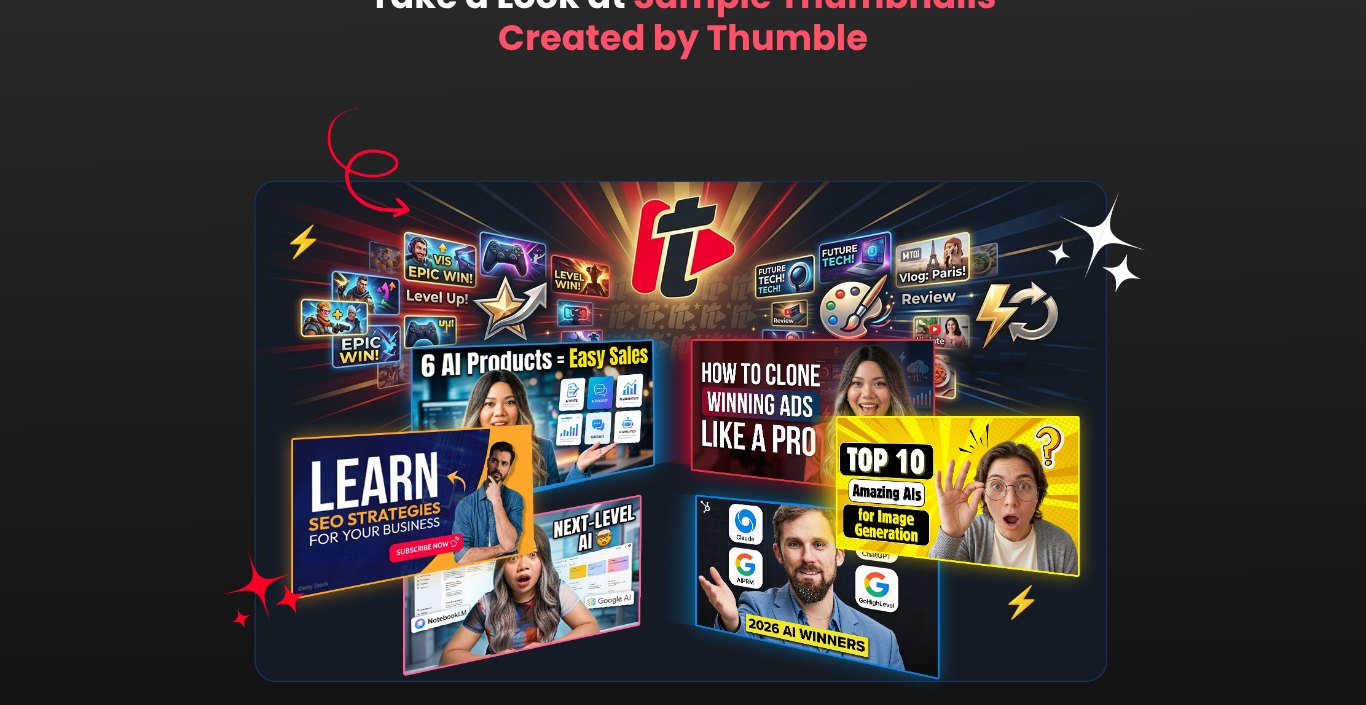
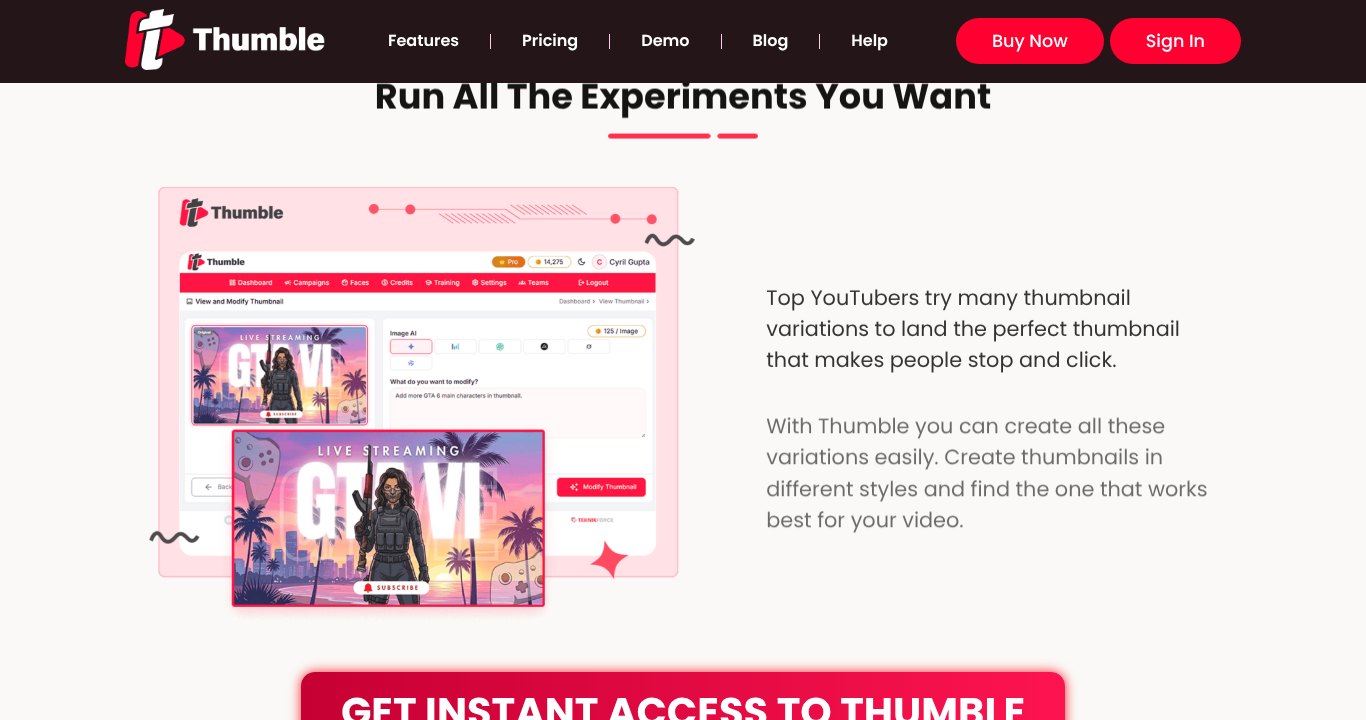
Thumble is our own AI thumbnail maker at Teknikforce. Type your video topic and it creates scroll-stopping thumbnails in seconds.
Need three different ideas for your A/B test? Thumble makes unlimited variations in different styles and angles, so you can test a face version, a product version and a bold text version without opening a design app.
- Create thumbnails from just a topic or idea
- Unlimited variations in many styles to test
- Face thumbnails without a photo shoot, or use your own photos
- A library of hundreds of thousands of proven thumbnail designs for inspiration
- Edit any existing thumbnail with AI
- Add your logo and branding
- Landscape and portrait sizes for long videos and Shorts
- Thumbnails in any language
Pricing $5.58 a month, paid yearly ($67 a year), or $6.99 month to month, with a 30-day refund.
A Simple Testing Plan for Your Channel
| Week | What to Do |
|---|---|
| Week 1 | Pick 3 older videos with steady views and start thumbnail tests |
| Week 2 | Note the winners and what they have in common |
| Week 3 | Use those lessons on your newest video and test again |
| Week 4 | Test titles on your best performing video |
Repeat every month. In a few months you'll know exactly what your audience clicks on, and your whole channel will benefit.
Final Thoughts
YouTube A/B testing is one of the best free growth tools creators have ever been given. It takes the guessing out of thumbnails and shows you what really works.
Test big, different ideas. Judge by watch time. And keep testing.
If making three great thumbnails per video sounds like a lot of work, let Thumble do the heavy lifting.
FAQs About YouTube Thumbnail A/B Testing
Is YouTube thumbnail A/B testing free?
Yes. It's built into YouTube Studio at no cost, as long as your channel is eligible.
How many thumbnails can I test?
Up to 3 thumbnails, 3 titles, or 3 title and thumbnail pairs on one video.
How long does a test take?
Usually a few days and up to two weeks, depending on how many impressions the video gets.
Can I A/B test Shorts thumbnails?
Not right now. Shorts, scheduled live streams and Premieres can't be tested. Premieres become eligible once they turn into normal videos.
Why did my test have no winner?
Usually because the versions were too similar or the video didn't get enough impressions. Try bolder differences next time.
Does A/B testing hurt my video?
Not in the long run. Some viewers may see a weaker version while the test runs, which is why YouTube suggests starting with older videos. Once the test ends, everyone sees the winner.
What is a good click-through rate on YouTube?
It depends on your niche, your audience and where your views come from. YouTube has said that half of all channels and videos have an impressions click-through rate between 2 and 10 percent. Compare each video with your own channel average rather than chasing one magic number.
Should I test titles and thumbnails together?
You can. Testing pairs is great when the title and thumbnail tell one story together. If you want to know exactly which part made the difference, test thumbnails first and titles in a separate test.